
What Is Data Integration?
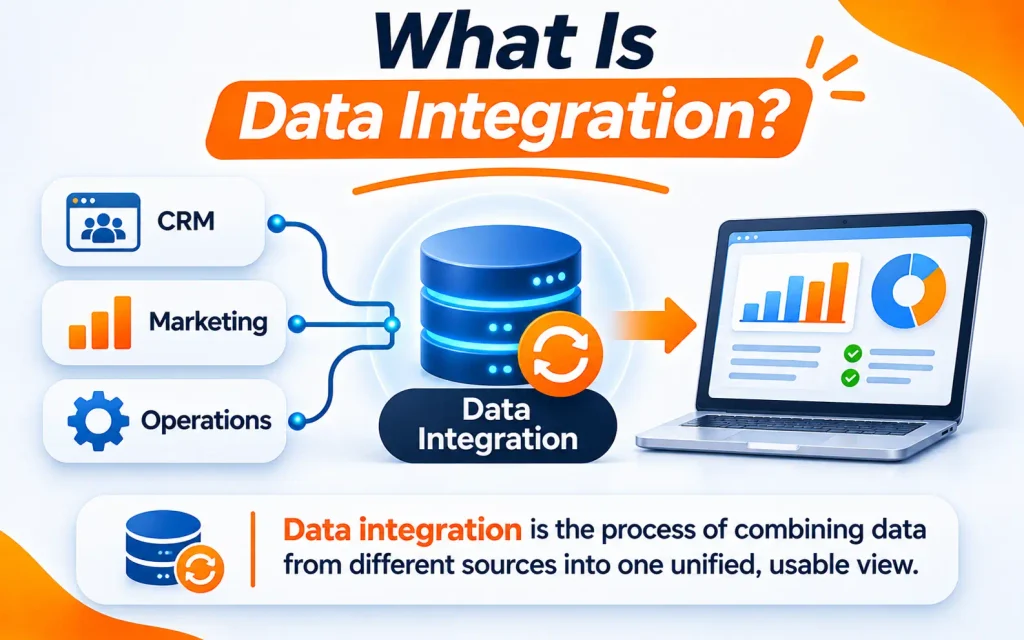
Data integration is the process of combining data from many sources into one unified, usable view. It connects databases, apps, and files so teams can trust one set of numbers. Businesses use it for reporting, analytics, and better decisions.
Think of it as a translator between your systems. Your CRM, billing tool, and website all speak different languages. Integration makes them work together.
If you want another expert view, IBM explains data integration clearly. This guide covers the types, methods, tools, and benefits in plain words.
Why Data Integration Matters
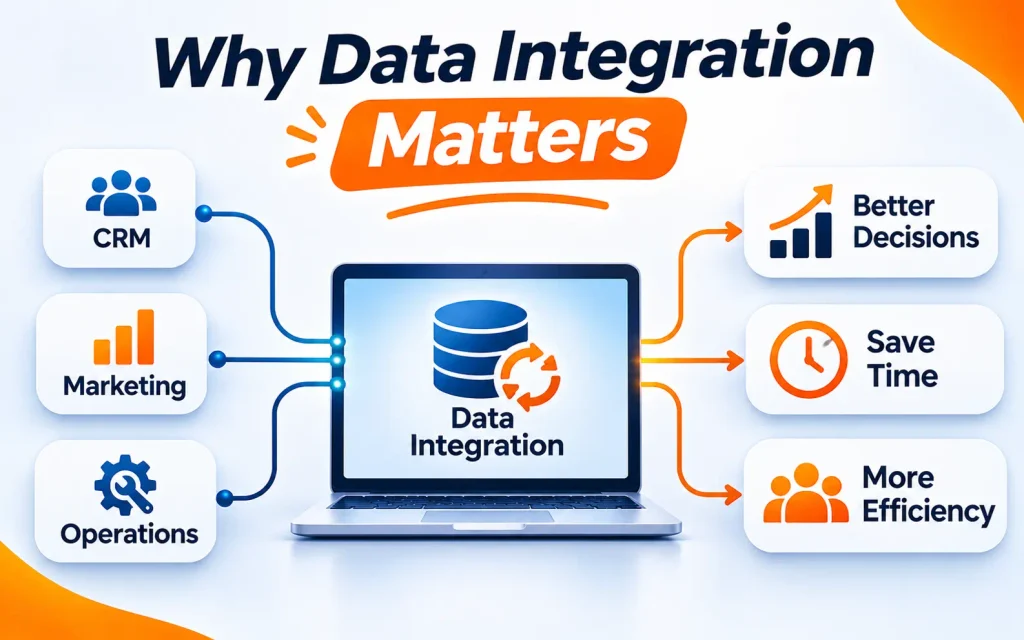
Most companies run dozens of tools. Each one holds a small piece of the story. Without integration, teams work from different versions of the truth.
Here is what happens when data stays scattered:
- Reports take days because people copy data by hand.
- Teams argue over which numbers are correct.
- Customers get a poor experience because systems do not share updates.
- Analytics and AI projects stall without clean, connected inputs.
Integration fixes these problems. It gives everyone one reliable source to work from.
How Data Integration Works
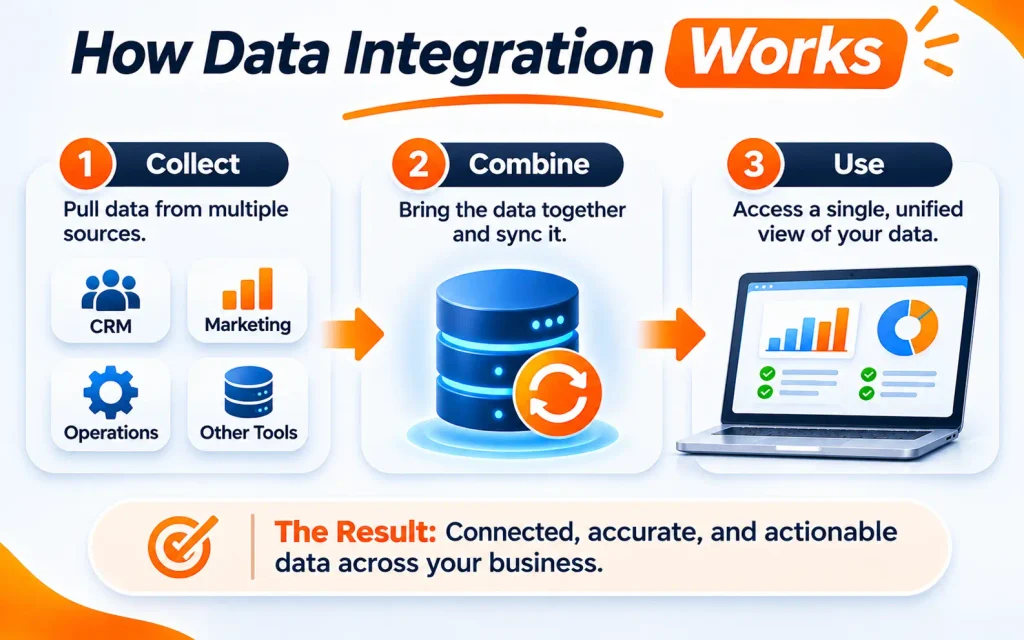
Every integration project follows a similar path. The tools may differ, but the steps stay familiar.
- Connect to sources. Data connectivity links your databases, apps, files, and APIs.
- Extract the data. The system pulls records out of each source.
- Transform the data. Data transformation cleans, formats, and matches records.
- Load the data. The prepared data moves into a target system.
- Keep it in sync. Data synchronization updates the target when sources change.
- Monitor and fix. Alerts warn you when a job fails or data looks wrong.
Most of this work runs through data pipelines. They automate each step so people do not repeat it. Browse our data and cloud blog for more guides on data pipelines.
Types of Data Integration
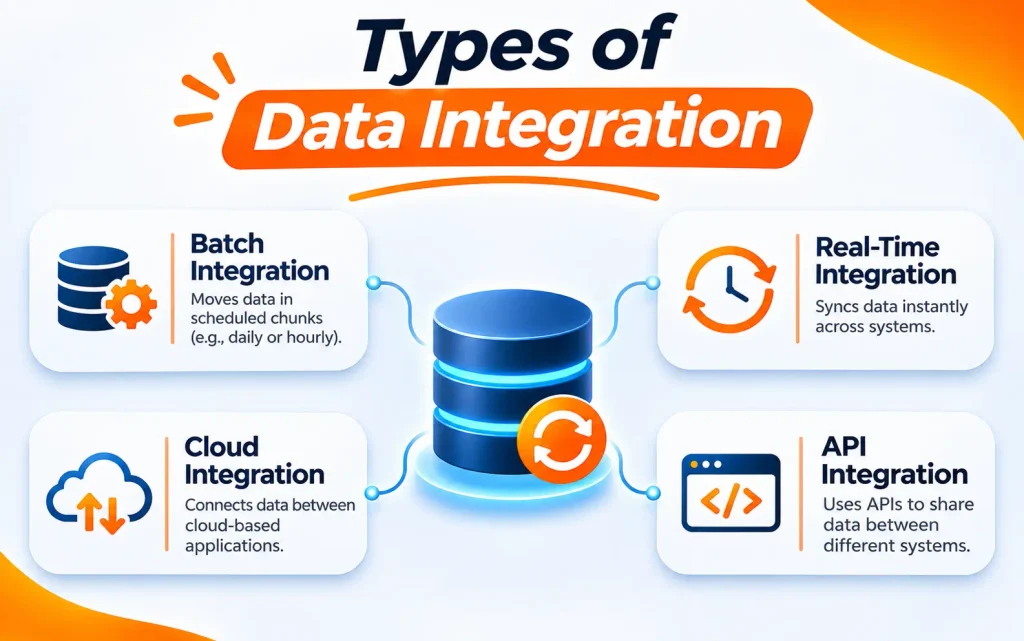
Not every business needs the same approach. The right type depends on your goals, data size, and speed needs.
Data Consolidation
Data consolidation gathers data from many sources into one central place. That place is often a data warehouse. Teams then run reports from a single location.
This is the most common type. It works well for dashboards and company wide reporting.
Data Federation
Federation leaves data where it lives. A virtual layer lets users query many systems as if they were one. It avoids copying data, but queries can run slower.
Data Propagation and Synchronization
Data synchronization copies changes from one system to another. It can run on a schedule or in real time. For example, a new customer in your CRM appears in your billing tool.
Application Integration
Application integration connects software tools directly. It often uses REST APIs to share data between apps. Think of an online store that updates stock in your inventory system.
Data Migration
Data migration moves data from an old system to a new one. Companies do this during cloud upgrades or software changes. Careful planning prevents data loss and long downtime.
Data Integration Methods
Methods describe how data moves and when it changes. Here are the main ones.
ETL (Extract, Transform, Load)
ETL cleans data before it reaches the target system. It suits strict rules and sensitive data. Many traditional data warehouses use this method.
ELT (Extract, Load, Transform)
ELT loads raw data first and transforms it later. It uses the power of modern cloud platforms. It is faster to load and more flexible for large data sets.
Real-Time Data Integration
Real-time data integration moves data the moment it changes. It supports fraud alerts, live dashboards, and instant personalization. Apache Kafka is a popular platform for streaming events at scale.
API Based Integration
API based integration lets systems exchange data on request. REST APIs are the most common style. If you are new to them, IBM’s guide to REST APIs is a good primer.
Cloud Data Integration
Cloud data integration connects data across cloud and on-premises systems. It scales easily and cuts hardware costs. Most modern teams choose this path.
The table below compares the main methods.
| Method | When Data Moves | Best For | Main Trade-off |
| ETL | Transformed before loading | Strict quality and compliance | Slower to set up |
| ELT | Transformed after loading | Large data and cloud platforms | Needs strong storage and compute |
| Real-time integration | Instantly as events happen | Alerts and live apps | Higher cost and effort |
| API based integration | On request or on events | App-to-app connections | Limits on call volume |
| Batch integration | On a set schedule | Reports and history | Data is not fresh |
Common Sources and Destinations
Integration starts and ends somewhere. Knowing both ends helps you plan.
Common sources include:
- Relational databases such as MySQL, PostgreSQL, and SQL Server
- SaaS apps like CRMs, billing tools, and marketing platforms
- REST APIs from partners and vendors
- Files, logs, and IoT devices
Common destinations include:
- Data warehouses for reports and dashboards
- Data lakes for raw and varied data
- Analytics and machine learning platforms
Relational databases store data in structured tables. That structure makes them easy to extract and join with other sources.
Popular Data Integration Tools
The right tool depends on your team’s skills, budget, and cloud choice. Here are the leading options.
- Microsoft Azure Data Factory: A managed service for building pipelines across cloud and on-premises data.
- AWS Glue: A serverless service that discovers, prepares, and moves data on AWS.
- Google Cloud Data Fusion: A visual tool for building pipelines with little code.
- Apache Airflow: An open-source tool that schedules and manages workflows as code.
- Apache Kafka: A platform for streaming data between systems in real time.
- Snowflake: A cloud data platform for storing and analyzing data at scale.
- Databricks: A unified platform for data engineering, analytics, and AI.
You rarely need all of them. Start with the tools that match your cloud and your main goal.
Key Benefits of Data Integration
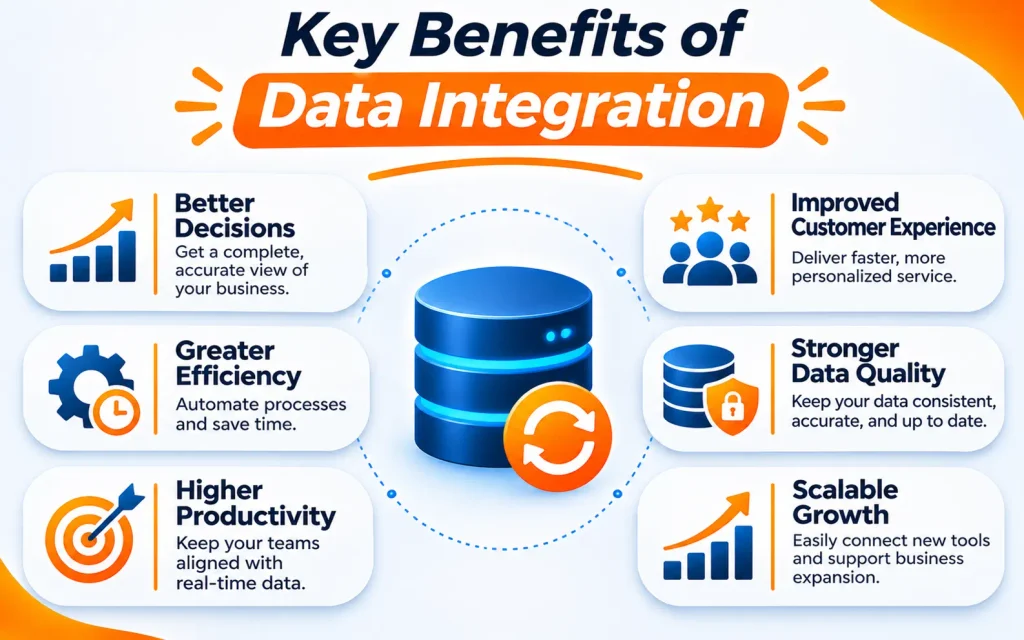
Good integration pays off across the whole business. Here are the biggest gains.
- One trusted view: Everyone works from the same accurate data.
- Faster reporting: Automated flows replace slow manual work.
- Better decisions: Leaders see the full picture, not scattered pieces.
- Higher data quality: Cleaning and matching rules remove errors and duplicates. Learn more in our guide to data quality management.
- Lower costs: Less rework and fewer tools to maintain.
- Stronger analytics: Connected data feeds dashboards and AI models. See how this supports data analytics in practice.
- Better customer experience: Teams see each customer’s full history.
Common Data Integration Challenges
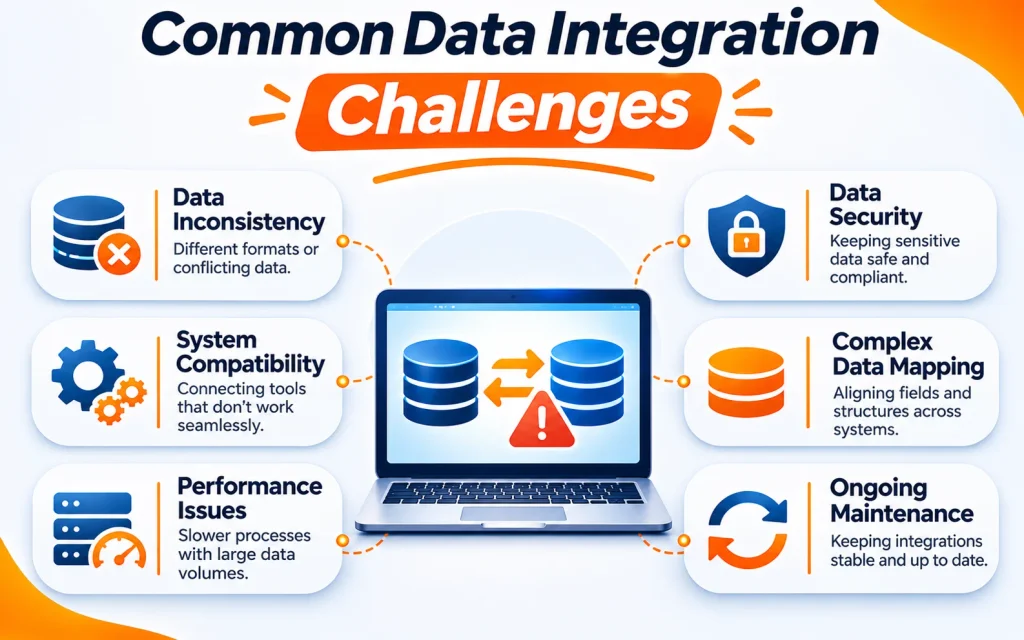
Integration is powerful, but it is not always easy. Plan for these hurdles.
- Data silos: Teams guard their own data. Share goals and ownership early.
- Messy data: Different formats and duplicates need cleaning rules.
- Schema changes: Source systems change often. Build pipelines that adapt or alert you.
- Security risks: Moving data creates exposure. Use encryption and role-based access.
- Scaling problems: Data volume grows fast. Choose tools that scale with you.
- Tool sprawl: Too many tools create confusion. Keep your stack simple.
Best Practices for Successful Data Integration
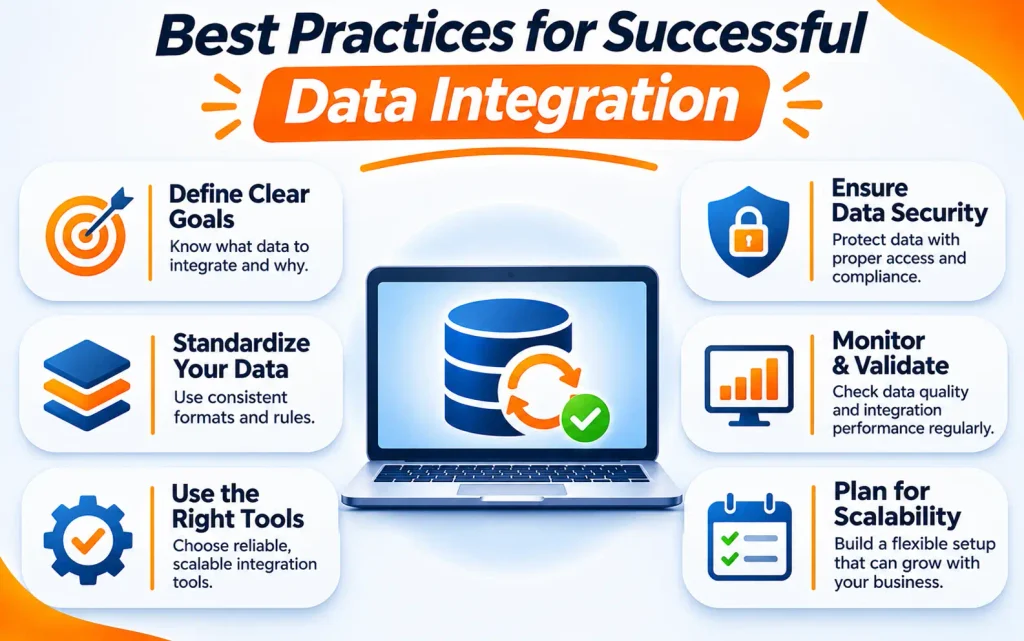
Follow these habits to avoid costly mistakes.
- Start with business goals. Know which questions your data must answer.
- Map your sources. List every system, owner, and data format.
- Start small. Prove value with one use case, then expand.
- Set data quality rules. Check data at ingestion and after transformation.
- Automate and orchestrate. Use workflow tools to schedule and retry tasks.
- Secure everything. Protect data in transit and at rest.
- Monitor continuously. Track delays, failures, and unusual changes.
- Document your work. Clear notes help new teammates and future audits.
How Wisdom Tech Cloud Services Can Help
Integration takes planning, skill, and the right cloud foundation. Wisdom Tech Cloud Services helps businesses connect, organize, and use data with confidence. Explore our data and cloud services to see how we can support your integration goals.
Frequently Asked Questions
What is data integration in simple terms?
Data integration combines data from different systems into one clear view. It helps teams trust their numbers and make faster decisions.
What are the main types of data integration?
The main types are data consolidation, data federation, data synchronization, application integration, and data migration. Each one solves a different business need.
What is the difference between ETL and ELT?
ETL transforms data before loading it into the target. ELT loads raw data first and transforms it inside the target. ELT suits cloud platforms well.
What is real-time data integration?
It moves data the moment it changes. Tools like Apache Kafka stream events between systems. It powers alerts, live dashboards, and instant updates.
What is the difference between data integration and data migration?
Data integration connects systems on an ongoing basis. Data migration moves data once, often from an old system to a new one.
Which tools are used for data integration?
Popular tools include Azure Data Factory, AWS Glue, Google Cloud Data Fusion, Apache Airflow, and Apache Kafka. Snowflake and Databricks often serve as destinations.
How do I choose the right data integration method?
Match the method to your speed, data size, and rules. Use batch for reports, real-time for alerts, and ELT for large cloud data sets.